Due to a ransomware attack, the wiki was reverted to a July 2022 version. . We apologize for the lack of a more recent valid backup.
This walkthrough demonstrates most SONA features, as well as its typical usage in concert with OpenStack. The walkthrough assumes that you are familiar with how to use ONOS and OpenStack. If you're not, we recommend you to go through Tutorials and Walkthroughs and http://docs.openstack.org.
tocIf you are more comfortable with Horizon UI, then please refer to SONA Walkthrough with Horizon.
Tip) The following cloud-init script helps to set password of "ubuntu" user to "ubuntu" for UEC image, if you pass this script to Nova with "--user-data" option when you create a new VM.
...
| Code Block | ||
|---|---|---|
| ||
neutron router-create router-01 neutron router-gateway-set router-01 net-public neutron router-interface-add rotuer-01 [net-A-subnet UUID] neutron router-interface-add router-01 [net-B-subnet UUID] |
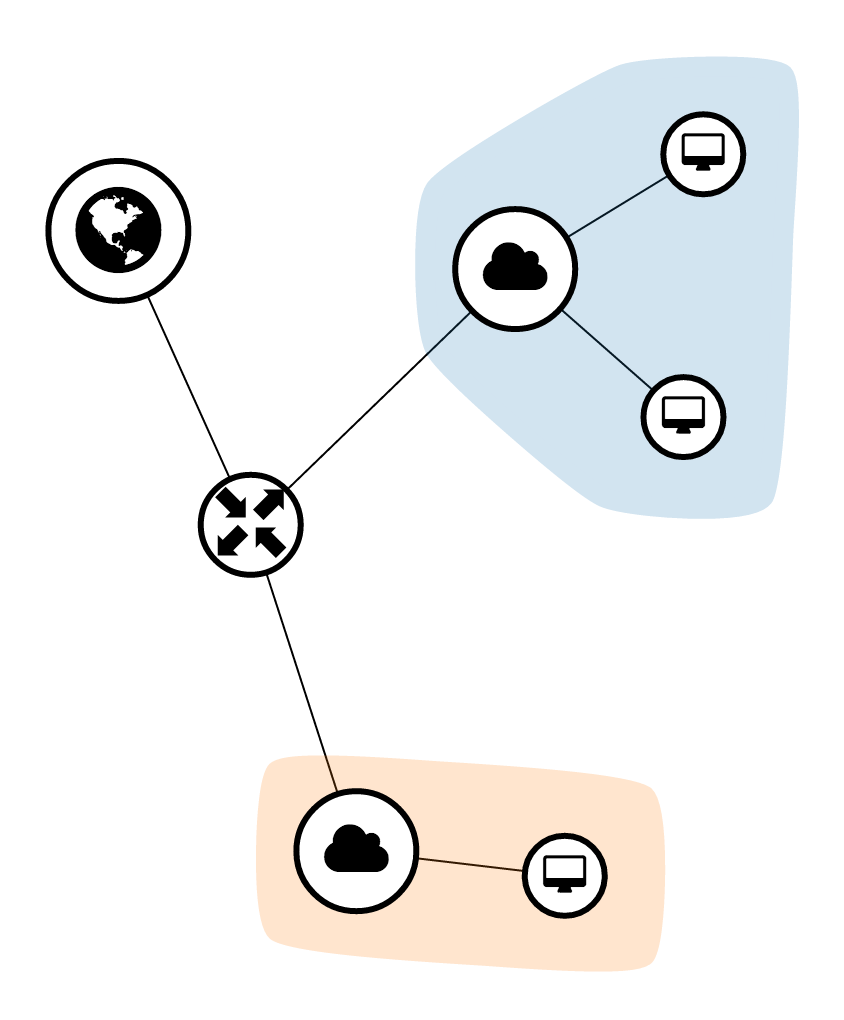
Now the network topology should look like the figure below if you check it in Horizon.
Create a security group to allow external access, and add it to the net-A-01 and net-B-01.
...
- Can ping from net-A-01 and net-B-01 to 8.8.8.8
- Can ping between net-A-01 and net-B-01
| Note |
|---|
Currently, SONA security group implementation has a small limitation that it does not allow ingress traffic via a connected session by default. So, you'll need to add allowing rule for ingress direction with remote address "0.0.0.0/0" explicitly for your VM to be able to access the Internet. |
Create a floating IP and associate it to net-A-01.
...
- Can ping to net-A-01 with the associated floating IP from the external
Scale Out Nodes
HA Setup
...