Due to a ransomware attack, the wiki was reverted to a July 2022 version. . We apologize for the lack of a more recent valid backup.

ToolbarService
ToolbarService is an Angular Factory in the Widget module with the name toolbar.js. It allows you to create a basic toolbar with controls and buttons. To use these functions, see the documentation on injecting Angular services.
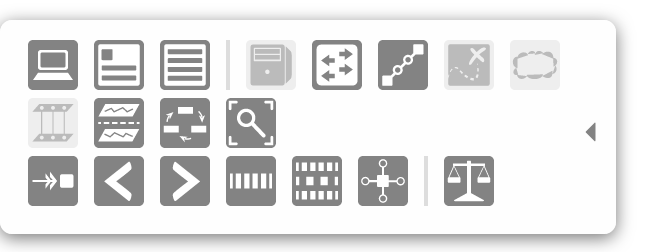
An example of a toolbar is on the Topology View.
| Name | Summary |
|---|---|
createToolbar | Create a toolbar basic toolbar. |
destroyToolbar | Destroy an already-created toolbar. |
Function Descriptions
createToolbar
| Example Usage | Arguments | Return Value |
|---|---|---|
tbs.createToolbar(id, opts); |
|
* The default settings for the toolbar are as follows:
defaultSettings = {
    edge: 'left',        // edge of the window the toolbar is on
    width: 20,           // default width of the toolbar with no buttons
    margin: 0,           // gap between the toolbar and the edge of the window
    hideMargin: -20,     // how much of the toolbar should be shown when the toolbar is hidden
    top: 'auto',         // 'top' CSS style for positioning
    bottom: '10px',      // 'bottom' CSS style for positioning
    fade: false,         // boolean of whether the toolbar will fade in and fade out
    shown: false         // boolean of whether the toolbar is shown initially
};
destroyToolbar