Due to a ransomware attack, the wiki was reverted to a July 2022 version. . We apologize for the lack of a more recent valid backup.
...
| Code Block | ||
|---|---|---|
| ||
[[local|localrc]] HOST_IP=10.134.231.28 SERVICE_HOST=10.134.231.28 RABBIT_HOST=10.134.231.28 DATABASE_HOST=10.134.231.28 Q_HOST=10.134.231.28 ADMIN_PASSWORD=nova DATABASE_PASSWORD=$ADMIN_PASSWORD RABBIT_PASSWORD=$ADMIN_PASSWORD SERVICE_PASSWORD=$ADMIN_PASSWORD SERVICE_TOKEN=$ADMIN_PASSWORD DATABASE_TYPE=mysql # Log SCREEN_LOGDIR=/opt/stack/logs/screen # Images IMAGE_URLS="http://cloud-images.ubuntu.com/releases/precise14.04/release/ubuntu-1214.04-server-cloudimg-amd64.tar.gz" ,http://www.planet-lab.o rg/cord/trusty-server-multi-nic.img" FORCE_CONFIG_DRIVE=always NEUTRON_CREATE_INITIAL_NETWORKS=False Q_ML2_PLUGIN_MECHANISM_DRIVERS=onos_ml2 Q_PLUGIN_EXTRA_CONF_PATH=/opt/stack/networking-onos/etc Q_PLUGIN_EXTRA_CONF_FILES=(conf_onos.ini) # Services enable_service q-svc disable_service n-net disable_service n-cpu disable_service tempest disable_service c-sch disable_service c-api disable_service c-vol |
...
You can skip this part if you want to test CORD VTN features only and manually by creating network and VM via OpenStack CLI or dashboard. Make sure your OpenStack has "trusty-server-multi-nic" image(http://www.planet-lab.org/cord/trusty-server-multi-nic.img) before you start.
1. Install Docker, httpie, and OpenStack CLIs
...
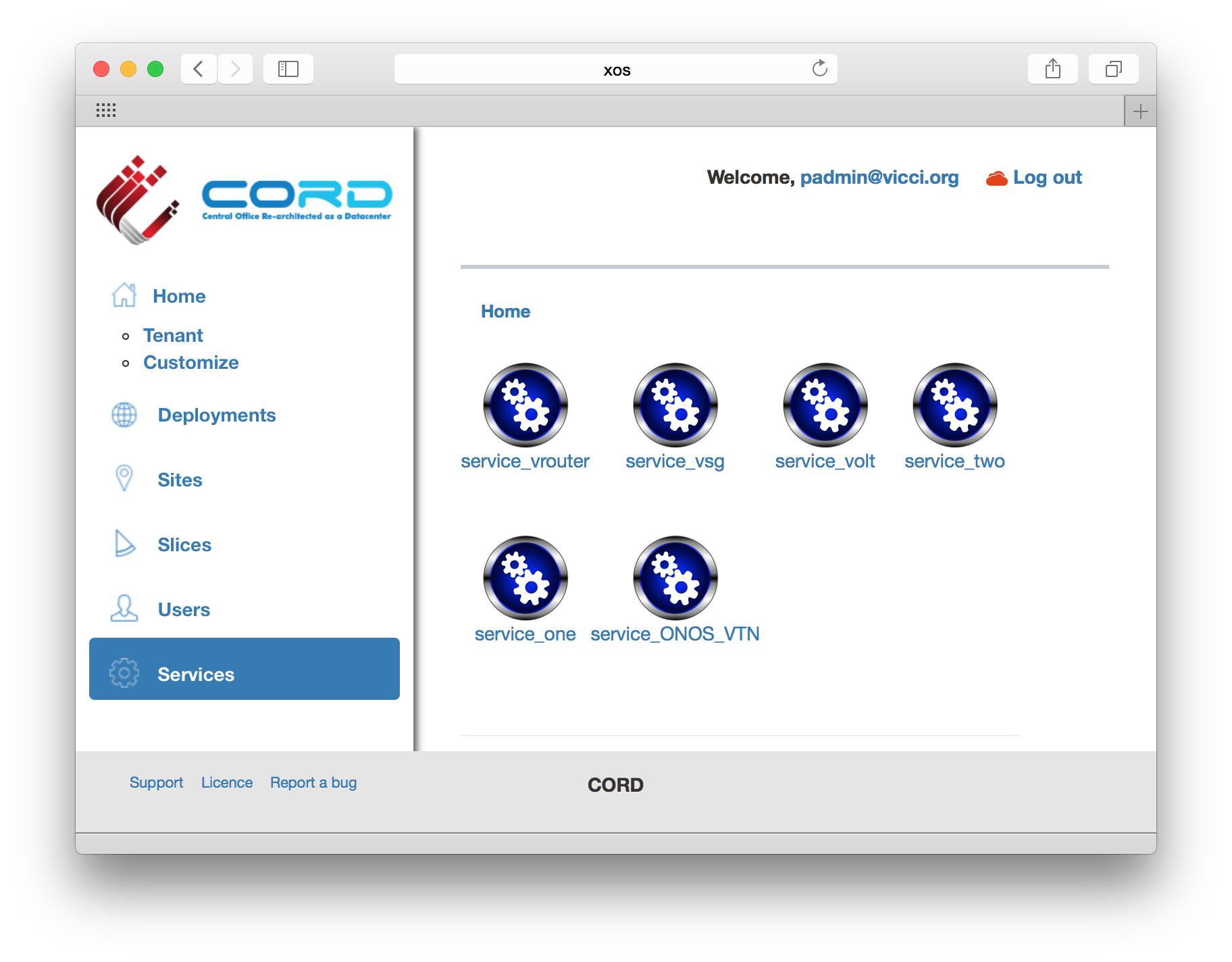
If you log-in to XOS GUI(http://xos, login with "padmin@vicci.org" and "letmein"), you can see some services.
Internet Access from VM (only for test)
If you want to access a VM through SSH or access the Internet from VM without fabric controller and vRouter, you need to do setup the followings in your compute node. Basically, this settings mimics fabric switch and vRouter inside a compute node, that is, "fabric" bridge corresponds to fabric switch and Linux routing tables corresponds to vRouter. You'll need at least two physical interface for this test setup.
...